2300032166/auto-ppt-agent-mcpskill下载-2300032166/auto-ppt-agent-mcpskill网页版下载入口
作者:互联网 时间: 2026-07-23 13:30:02
2300032166/auto-ppt-agent-mcpskill 这个标题对应的原名仓库是 2300032166/auto-ppt-agent-mcp,真实入口是 https://github.com/2300032166/auto-ppt-agent-mcp。旧地址 https://github.com/2300032166/auto-ppt-agent-mcpskill 多了 skill,不再作为下载入口使用。
Auto-PPT Agent (MCP) 是用 MCP 组织的自动 PPT 代理:本地 LLM 规划 slide titles,DuckDuckGo 搜索实时资料,PowerPoint Builder MCP server 负责渲染和排版,最终生成带主题的 .pptx。
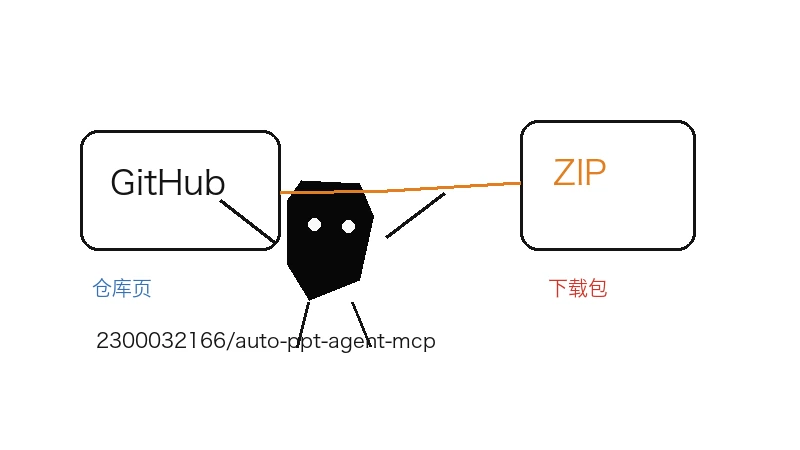
先装依赖,再等模型下载
- 仓库主页:https://github.com/2300032166/auto-ppt-agent-mcp
- ZIP 包:https://github.com/2300032166/auto-ppt-agent-mcp/archive/refs/heads/main.zip
- 克隆命令:
git clone https://github.com/2300032166/auto-ppt-agent-mcp.git - 进入项目目录后执行
pip install -r requirements.txt。 - 首次运行会下载
google/flan-t5-base,大约需要 1GB 磁盘和稳定网络。
三种运行方式先选一种
最直接的是 CLI:python run_agent.py "Artificial Intelligence in Healthcare"。要指定主题可以加 --theme dark,要控制页数和文件名可以用 --slides 10 --output rome_history.pptx。输出会保存在 output/ 目录。
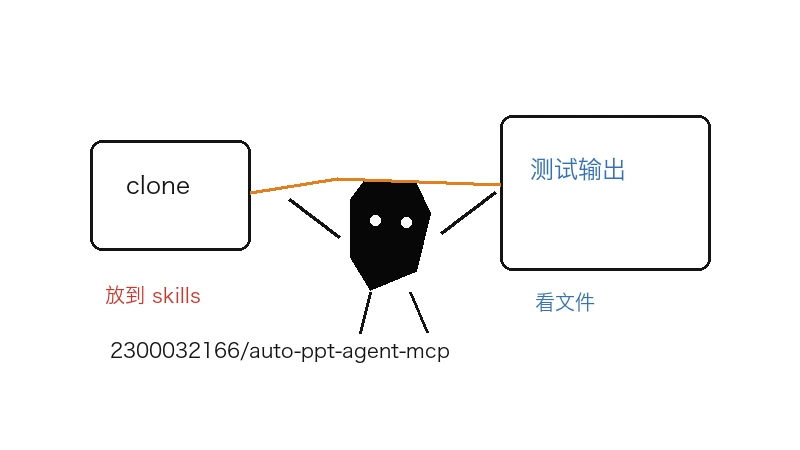
MCP 和网页模式分开测
如果只想测 MCP server,可以用 npx @modelcontextprotocol/inspector python ppt_server.py 打开 Inspector。要用网页模式,则执行 python web_launcher.py,浏览器访问 http://localhost:5000,它会提供进度跟踪、单页重生成和下载管理。
这篇标题里的 mcpskill 容易让人误以为是普通 skill 包,但真实项目是 MCP 架构加 CLI/Web UI。第一次测试用短主题、少页数和明确输出文件名,先确认 web search、主题引擎和 PPT builder 都能接上。
相关资讯
-
- DBeaver导入csv到数据库的简单步骤记录实用指南
- 2026-09-07
-
- 高性能分析数据库StarRocks的安装与使用完整指南
- 2026-09-07
-
- DM达梦数据日期时间函数、系统函数用法整理大全实用指南
- 2026-09-07
-
- postgres 数据库迁移的几种做法实用指南
- 2026-09-07
-
- SQL偏移类窗口函数 LAG、LEAD的用法小结实用指南
- 2026-09-07
-
- SQL中NTILE函数的用法完整指南
- 2026-09-07