解决Codex无法使用Chrome和Browser插件的问题
作者:互联网 时间: 2026-07-24 17:03:17
适用场景:Codex 插件列表未显示最新增加的 Chrome/浏览器插件,需要手动配置本地插件源。
解决步骤
第一步:定位插件文件
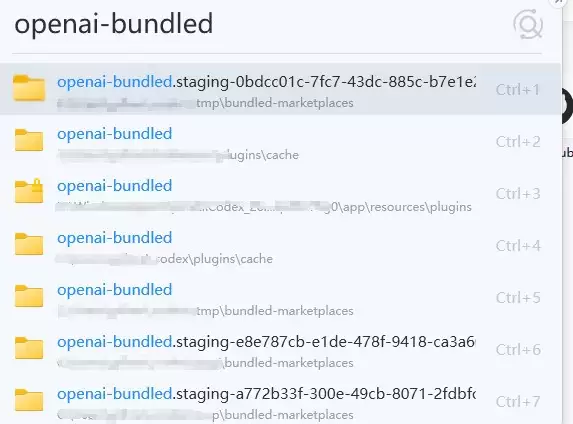
1. 使用 Everything 或 Listary 等本地搜索工具,搜索关键词:`openai-bundled`
2. 在搜索结果中,找到位于 `WindowsApps` 内的文件夹(如 `Codex` 应用目录下)
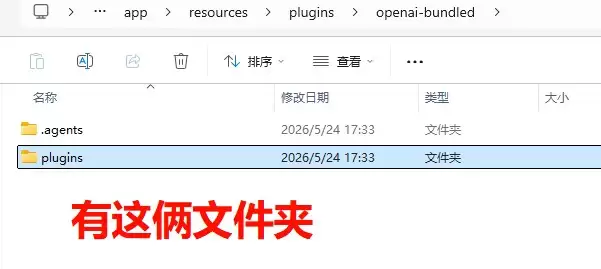
3. 进入该文件夹,可以看到以下结构:
openai-bundled/
├── .agents/
└── plugins/
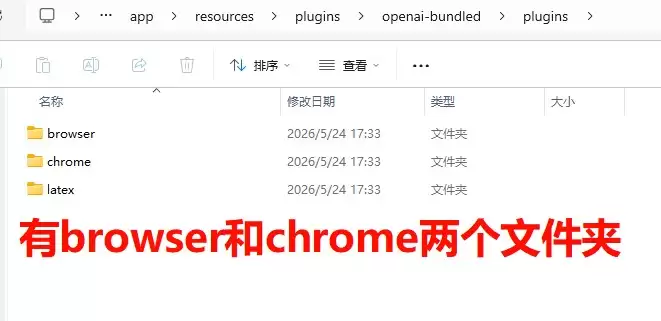
其中 plugins 文件夹内包含 browser 和 chrome 等插件目录。
第二步:复制插件到本地目录
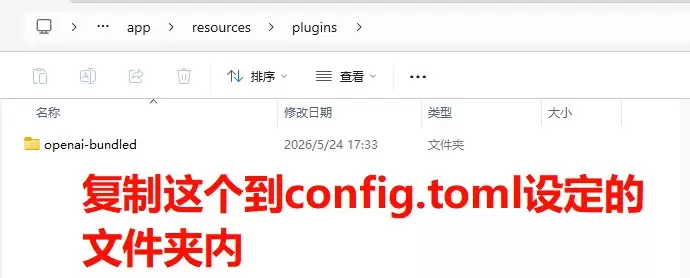
1. 将 `openai-bundled` 文件夹**完整复制**到自己指定的路径,例如:
C:Users<你的用户名>.codexpluginscacheopenai-bundled
2. 复制后的目录结构应如下:
openai-bundled/
├── .agents/
└── plugins/
├── browser/
└── chrome/
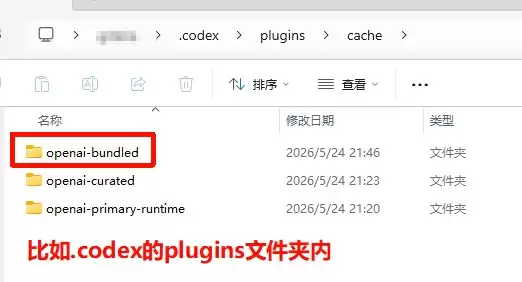
第三步:修改 Codex 配置文件
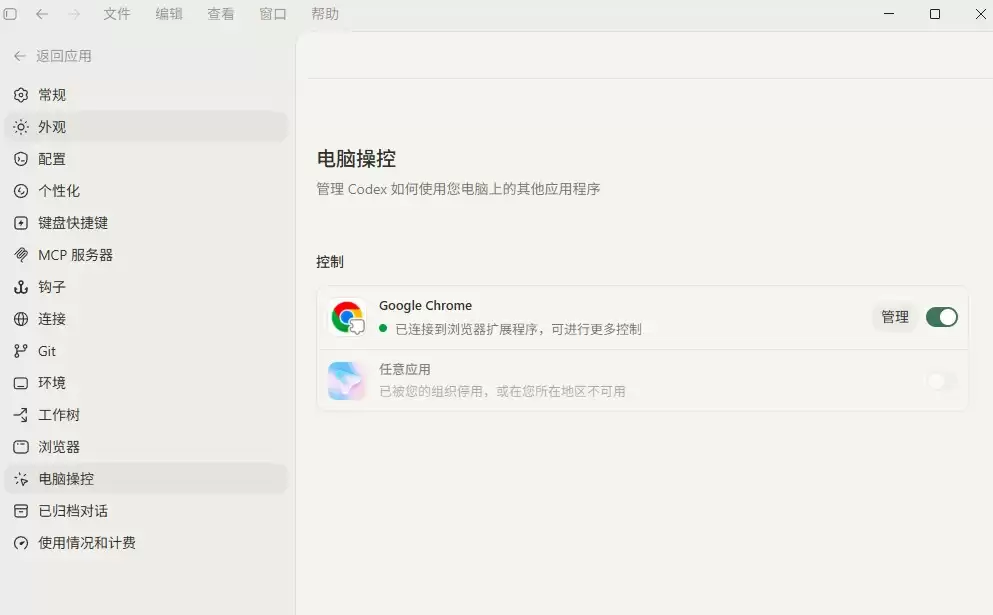
1. 打开 Codex 的配置文件(通常位于 `C:Users<你的用户名>.codexconfig.toml`)
2. 添加或修改 `[marketplaces.openai-bundled]` 配置段:
[marketplaces.openai-bundled]
last_updated = "2026-05-24T11:32:39Z"
source_type = "local"
source = '?C:Users<你的用户名>.codex.tmpbundled-marketplacesopenai-bundled'
注意:
- 将 `<你的用户名>` 替换为实际的用户名(如 `lihua`)
- `source` 路径需使用**完整绝对路径**。不过是否需要保留 `?` 前缀不确定
第四步:重启 Codex
1. 保存 `config.toml` 配置文件
2. **完全关闭并重新启动 Codex**
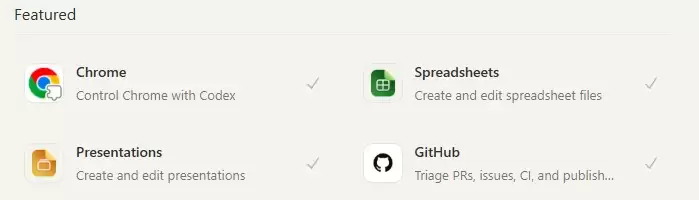
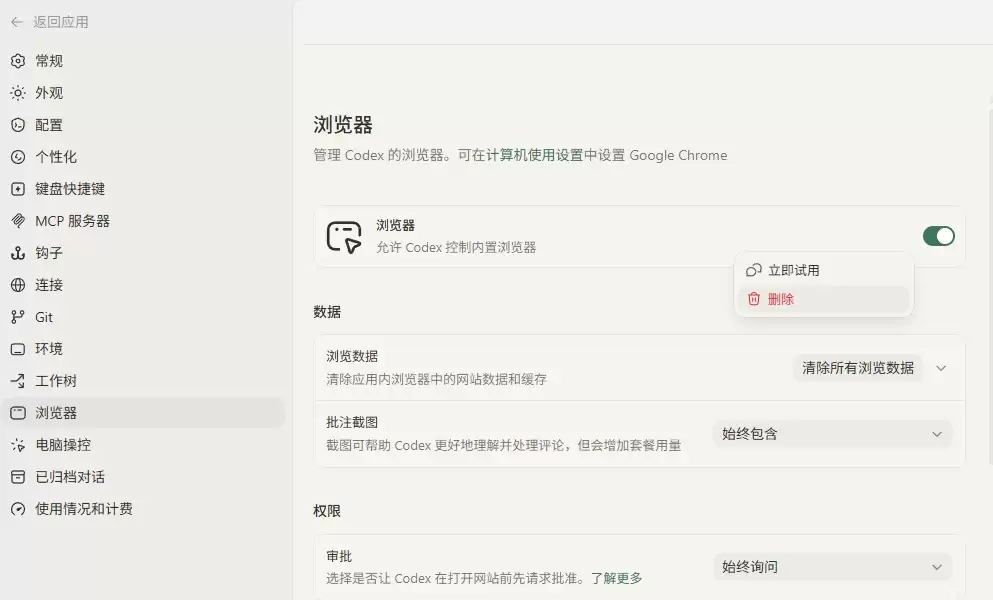
3. 进入插件管理页面,确认 Chrome 和浏览器插件已正常显示
相关资讯
-
- hand-drawn-video-prompts:实践指南
- 2026-09-10
-
- ha-evcc:实践指南
- 2026-09-10
-
- Dex:实践指南
- 2026-09-10
-
- tailscale-synology:实践指南
- 2026-09-10
-
- solo5:实践指南
- 2026-09-10
-
- ShaderlabVS:实践指南
- 2026-09-10